
Gridiron GM streamer kit
Transparent logos, a promo overlay for OBS and stream scenes for Gridiron GM, the free pro football GM sim for iPhone. Use them on any stream or video.
Add it to your screen
The easiest way. Each file below is a transparent picture the size of your screen with the card already in the corner. Add it as one more layer over your game, and you are done. The link tags are already in the QR code.
- OBS Studio: Sources, add Image, pick a 1080p PNG. To use the animated loop, add Media Source instead, pick the WebM and tick Loop.
- Streamlabs, Twitch Studio, TikTok LIVE Studio: add an Image layer, pick the PNG, and stretch it to fill the whole canvas.
- Streaming from your phone: use a vertical file. In your streaming app, add an Image overlay and set it to full screen.
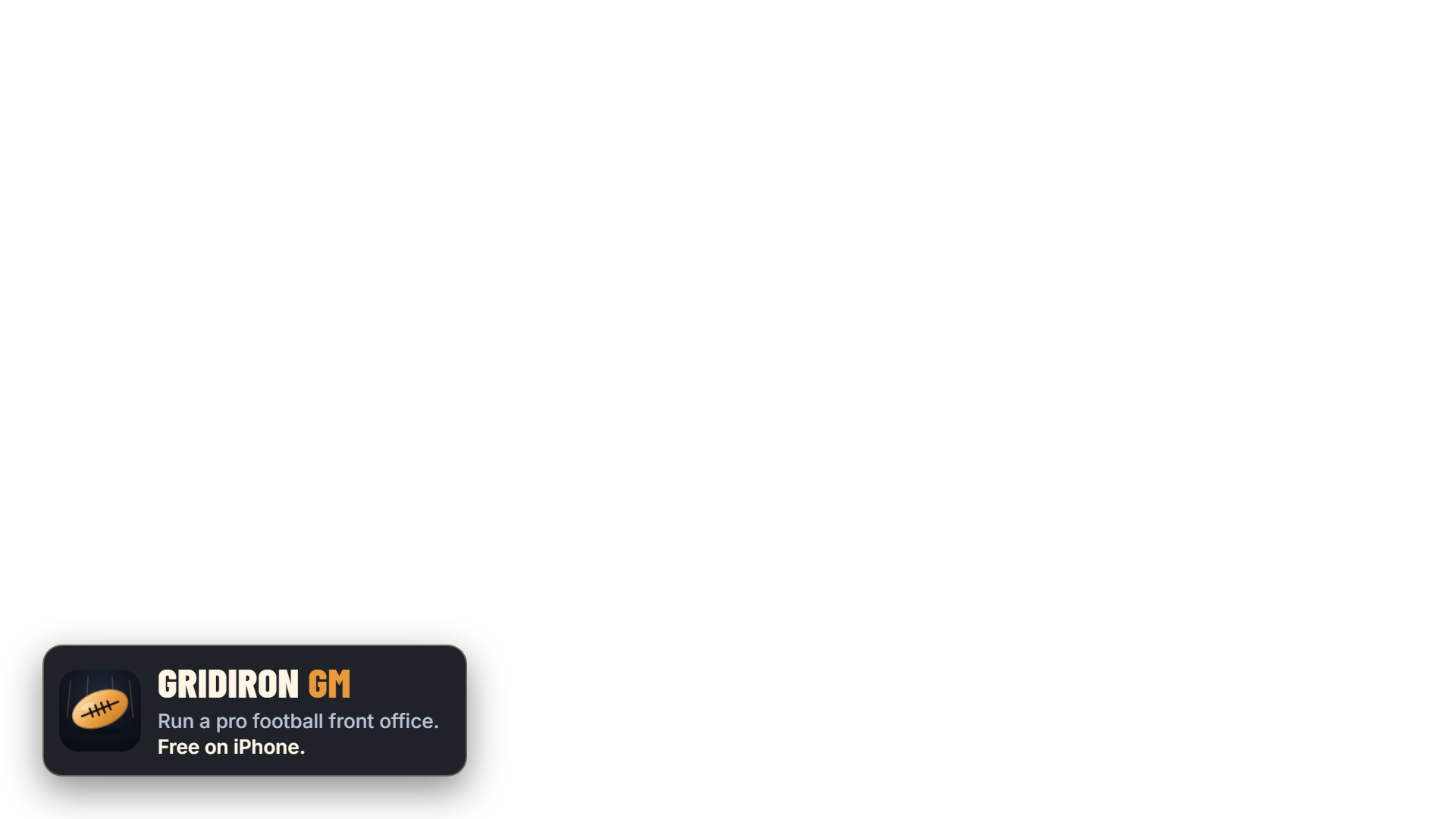
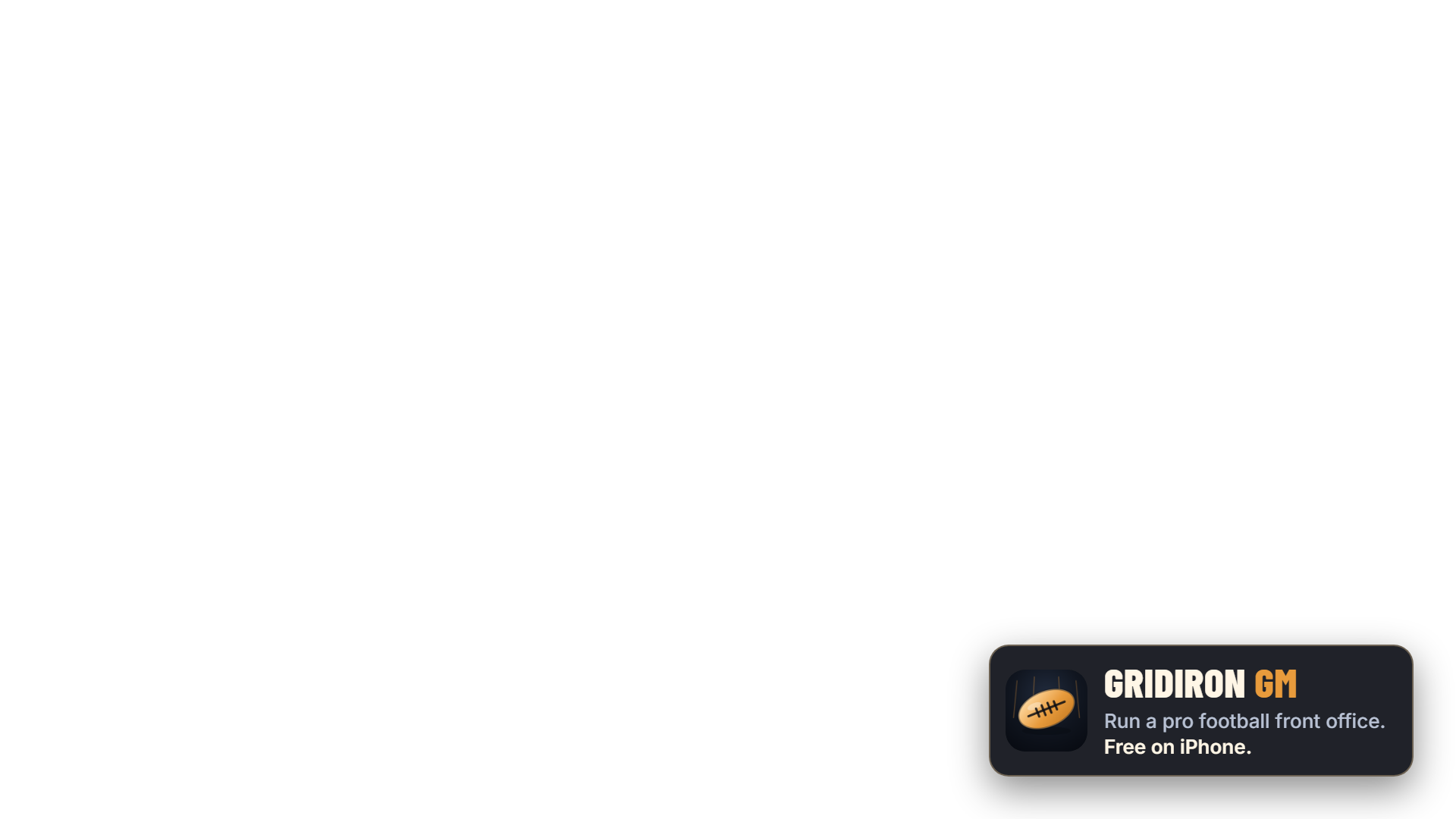
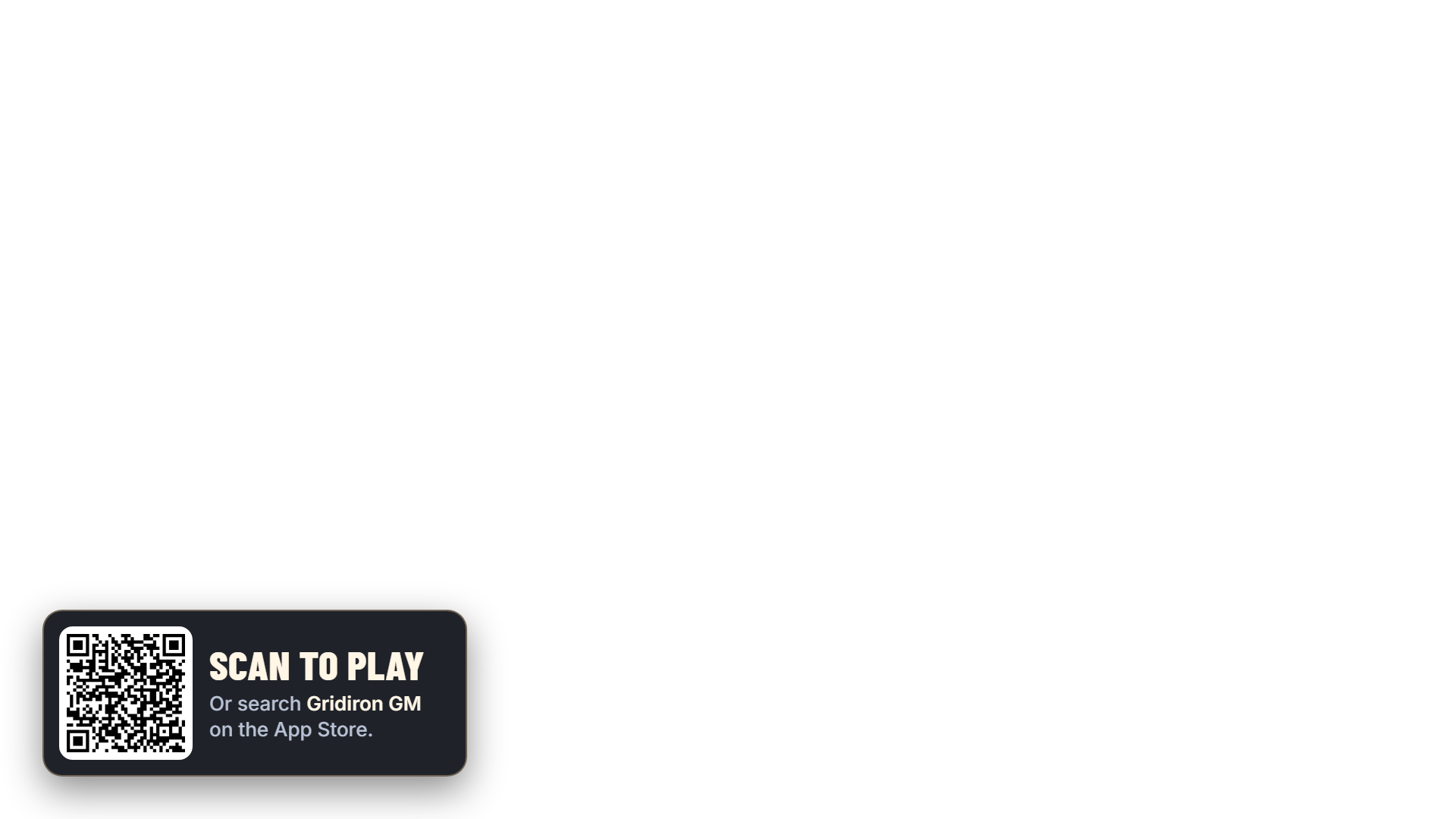
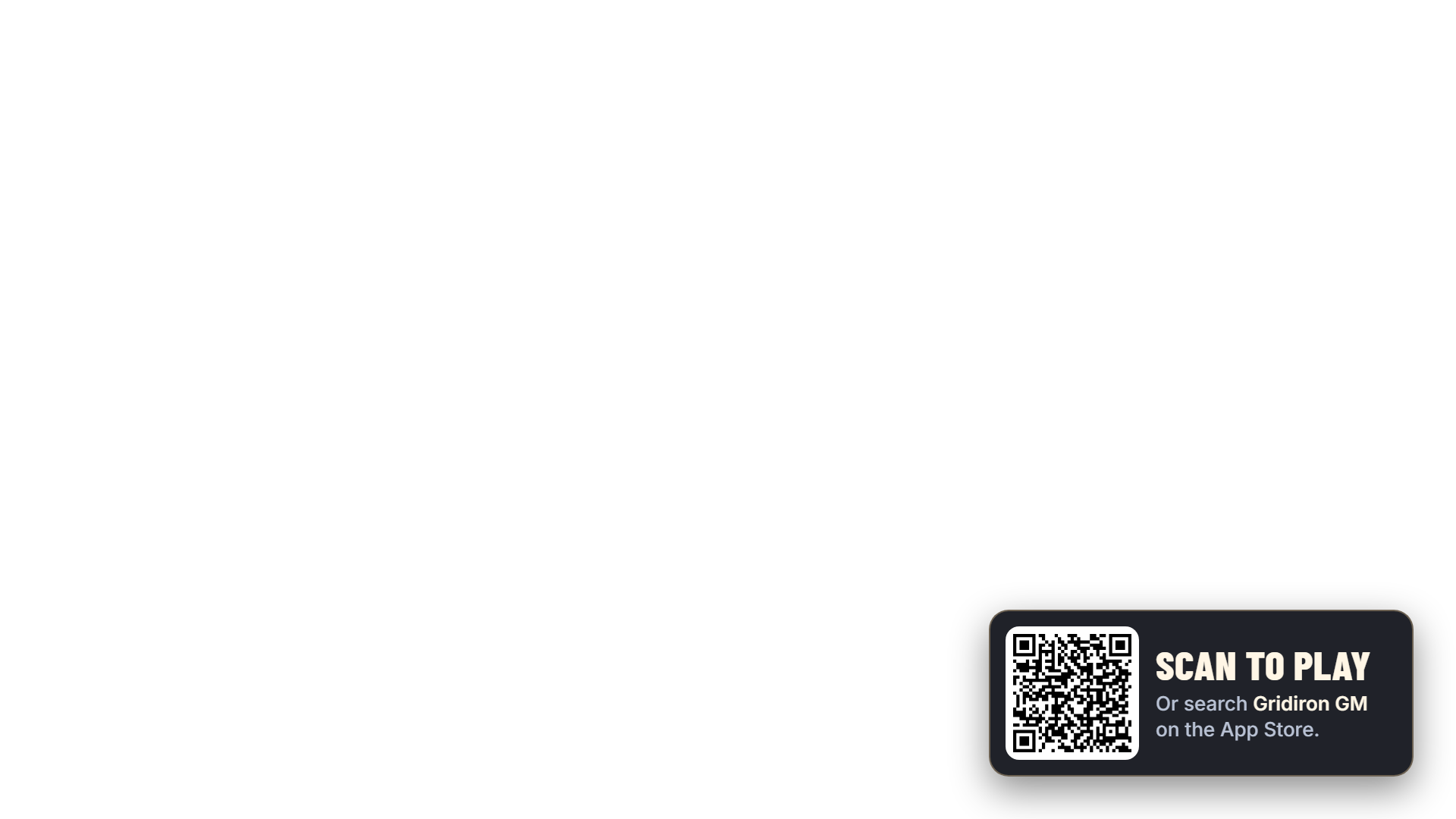
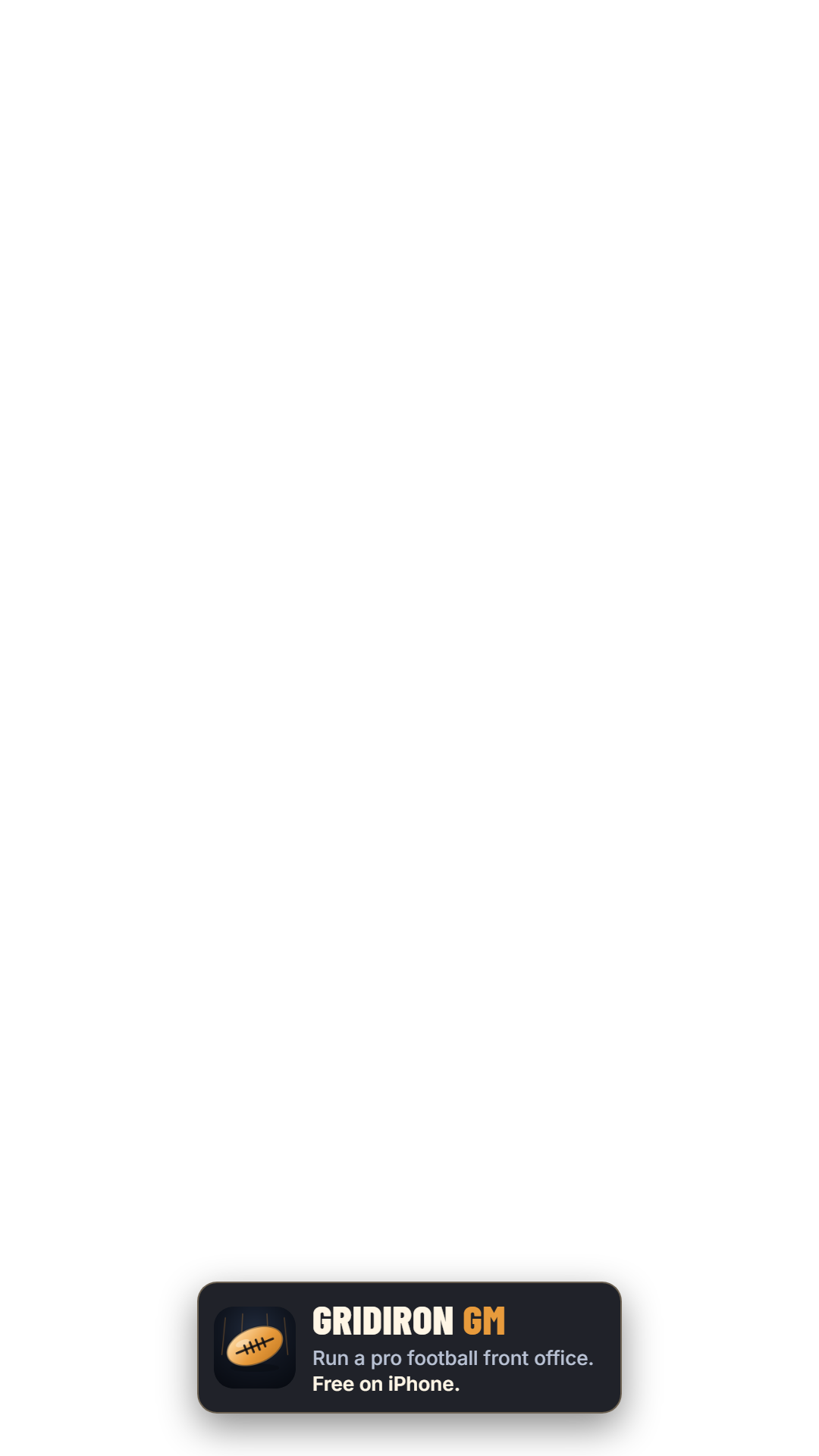
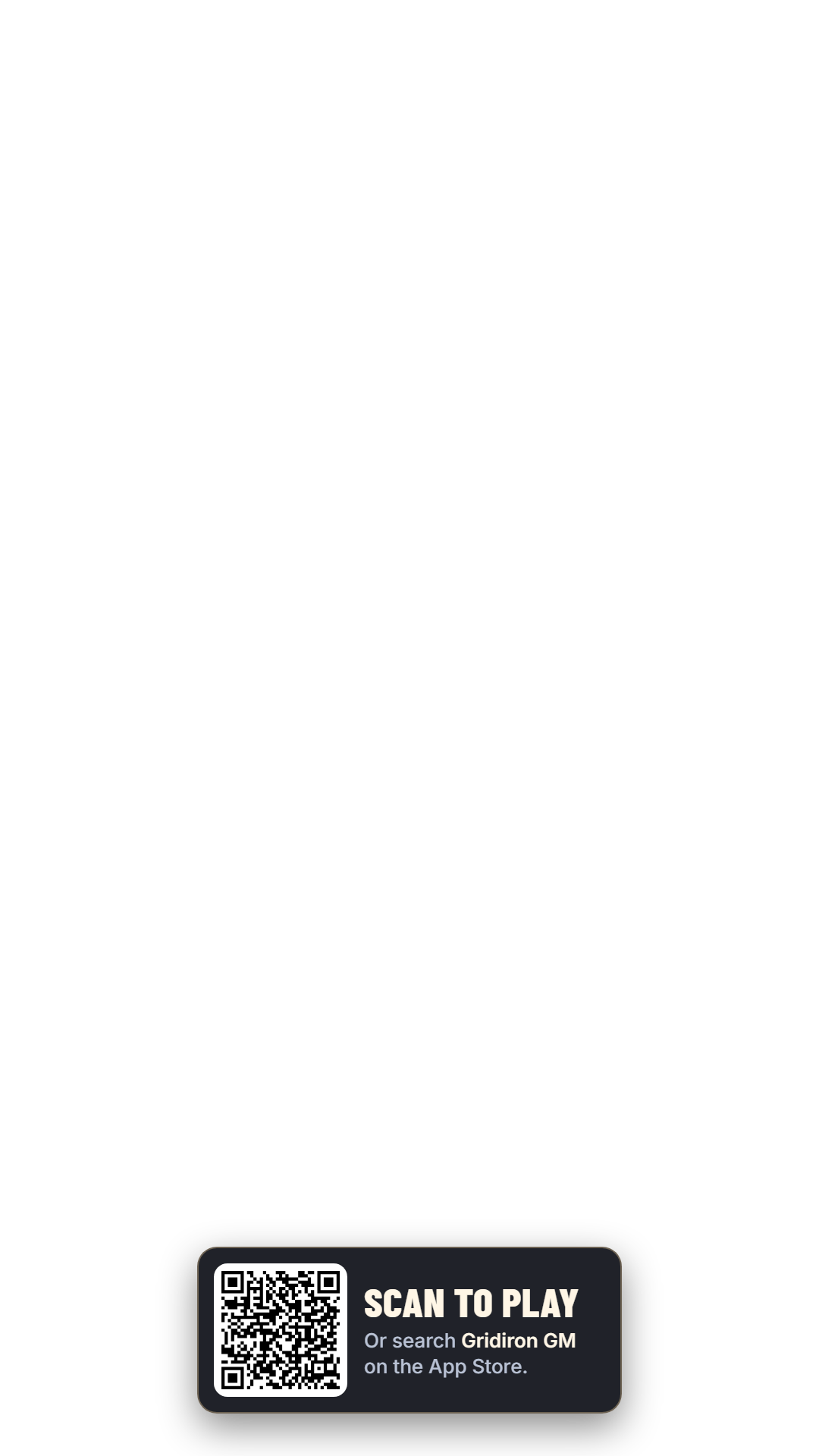
The animated loops are WebM with a transparent background. They work in OBS and most desktop streaming apps. If yours does not show the transparency, use a PNG instead.
Logos
Transparent PNGs. Use the light version on dark video and the dark version on light backgrounds. The football mark alone also comes as an SVG.


Promo overlay
A small card that slides in every minute or so with the game name, a one-line pitch and a QR code. Your handle goes into the link, so installs from your stream show up under your name.
1. Overlay for OBS
In OBS: Sources, add Browser, paste this as the URL, set width 1920 and height 1080. Nothing else to change.
2. Chat command
Paste as the reply for a !gridiron command in Nightbot, StreamElements or Streamlabs.
3. Your download link
Change how it behaves by adding options to the overlay link:
| Option | What it does | Default |
|---|---|---|
pos=br | Corner: bl, br, tl or tr | bl |
interval=120 | Seconds between appearances | 75 |
show=10 | Seconds the card stays up | 12 |
badge=0 | Hide the small corner tag between cards | on |
scale=0.8 | Make everything smaller or larger | 1 |
demo=1 | Show cards right away, to test your layout | off |
Stream scenes
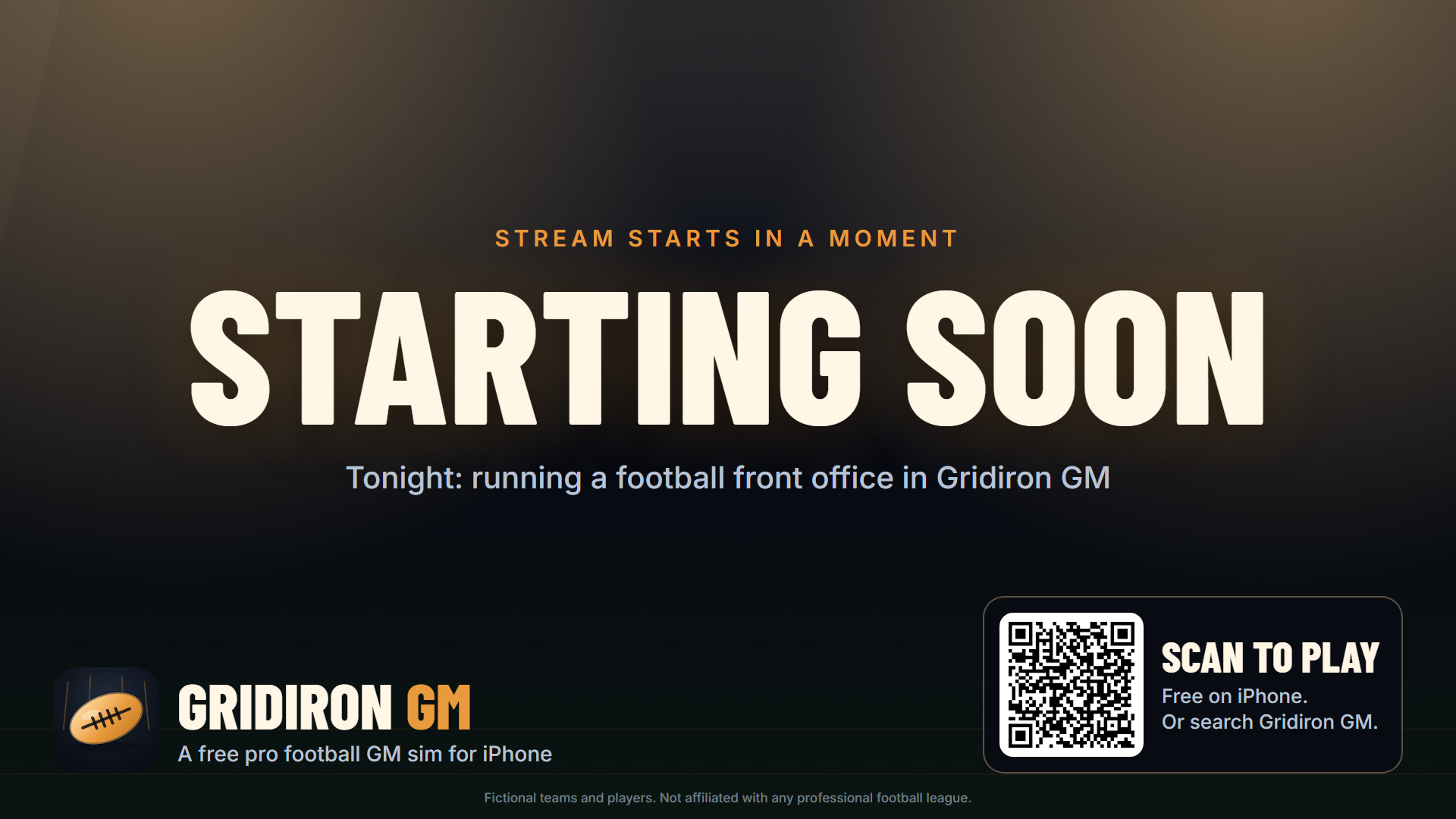
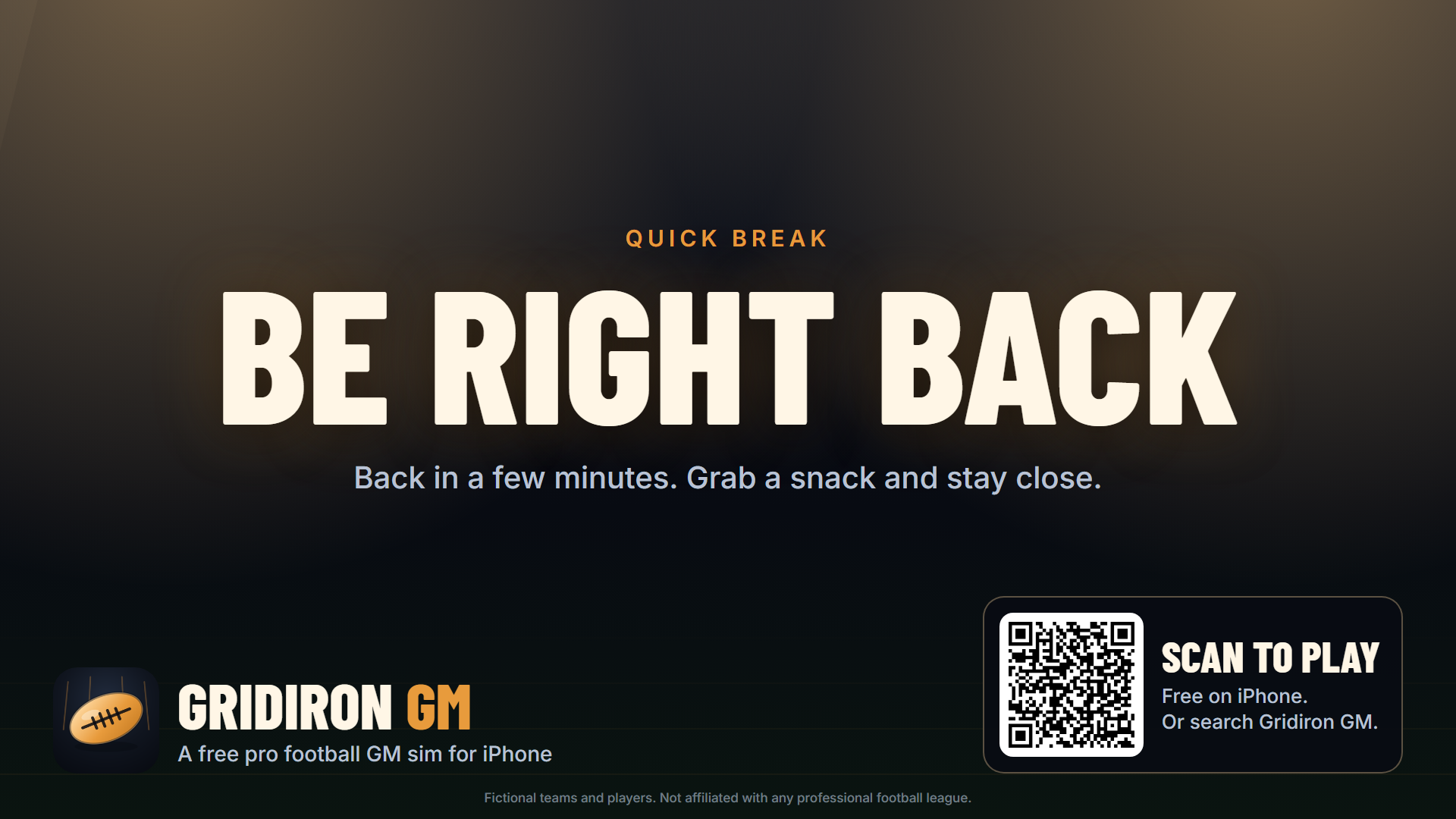
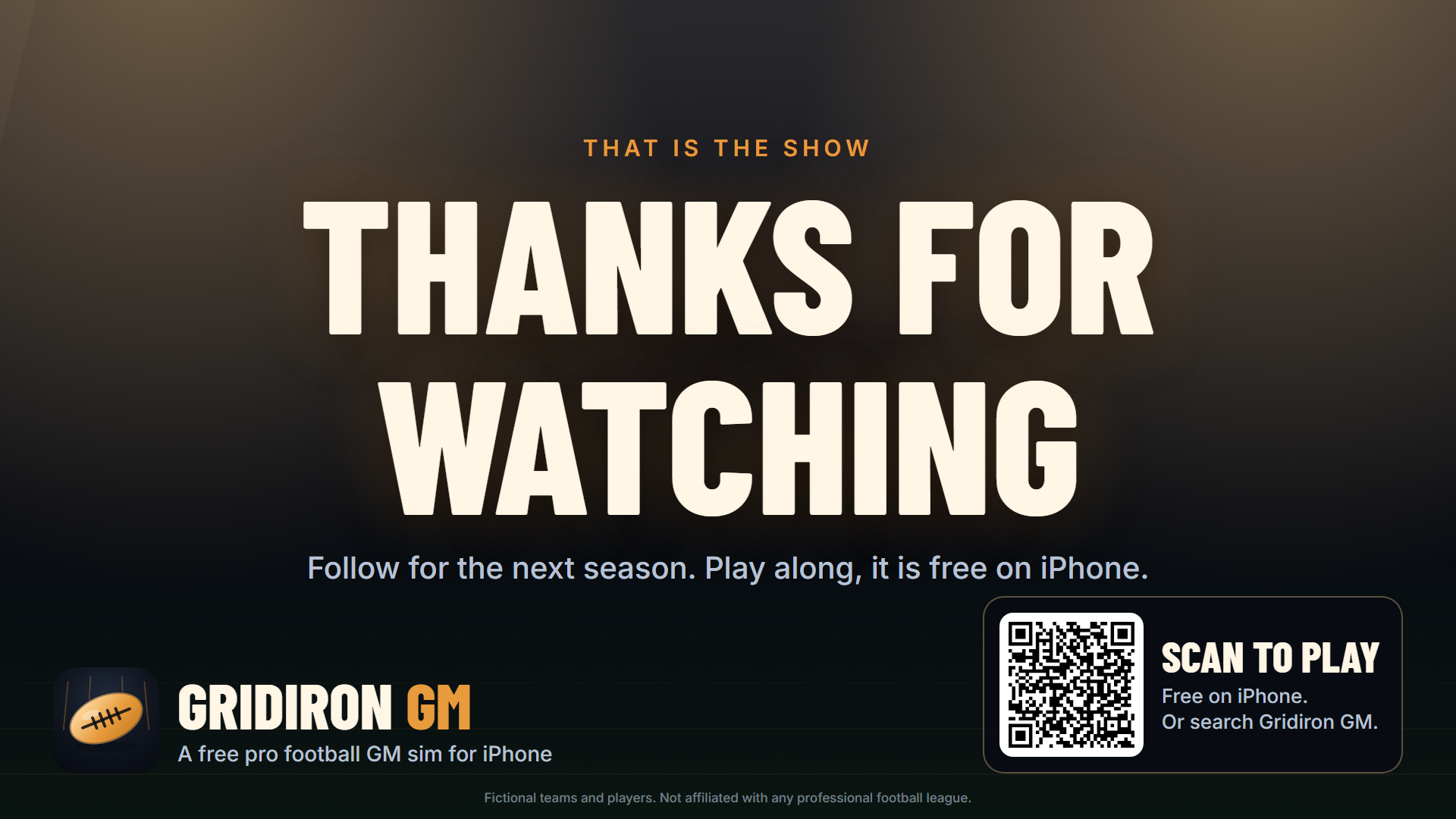
Full-screen scenes for the start, breaks and the end. Use the PNGs as they are, or add the live pages as Browser sources to get your own QR code and a countdown.
Live scenes with your QR code
This is the starting scene with a 5 minute countdown. Change starting to brb or ending for the others, and mins=5 to any number. Add title= or text= to change the words.
A few ground rules
- Free to use on streams, videos and social posts about Gridiron GM. No permission needed, no fee.
- Please keep the logo unmodified apart from resizing, and leave the disclaimer on the scenes: the teams and players are made up and the game has no link to any pro football league.
- The game is free with optional rewarded ads and optional purchases. If your stream is sponsored, follow your platform's disclosure rules.
- The game is iPhone only for now.